Final Fantasy XI is old. It was released in 2002 on the PlayStation 2. While it had a lot of content added, it’s a very clunky experience in this day and age, especially compared to Final Fantasy XIV.
There are ways to make it a better experience, though.
The servers for this game are in Japan, which meant I was disconnecting at least once an hour. After I turned on a VPN to Japan (and set it to only use it for Final Fantasy 11), I haven’t had a single disconnect. Personally I’m using Proton VPN.
Next is installing a modern launcher, such as Windower or Ashita. I’m going to focus on the former, since I found it easier to work with.
If you enable Config in Windower, you can set some pretty good graphical changes once you’re in-game:
//config ClippingPlane 10
//config FrameRateDivisor 1
//config save
ClippingPlane sets the draw distance (1 is the game maximum, so 10 times that), FrameRateDivisor sets the fps to 60 (instead of 30) and save… well saves it.
Do yourself a favor and go to Config -> Misc 3 and enable Timer Display for Status Icons. It’ll show you how long a (de)buff will last.
If you set up 2FA for your account, you get an extra inventory bag.
Windower allows you to install add-ons and plug-ins. However, there are many more add-ons that aren’t in the master list. And some of those are pretty damn good.
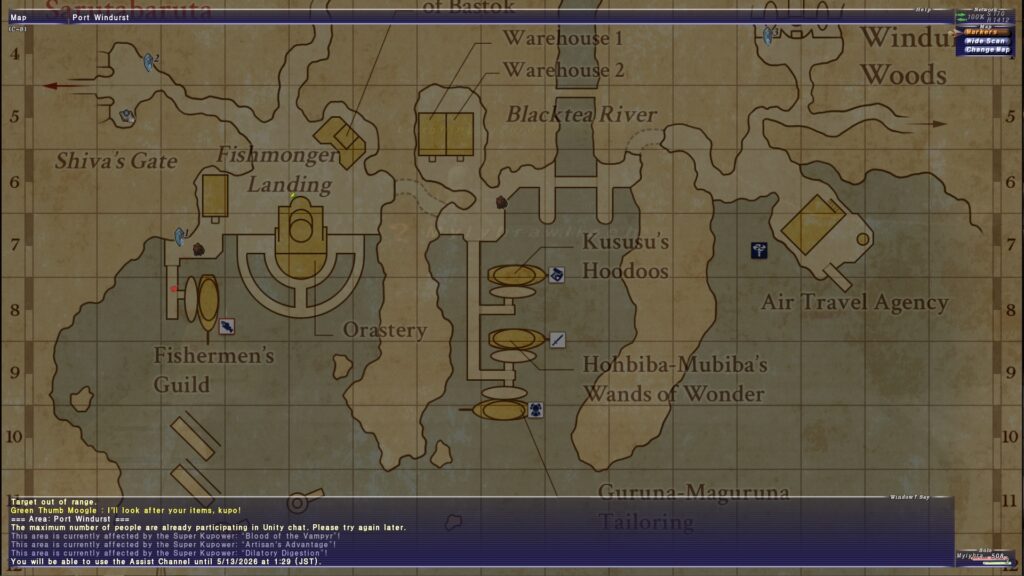
XIPivot allows you to load modified DAT files. This means that you can alter the game files without actually touching the original files. Combine this with HD textures (AshenbubsHD) and HD maps (Remapster) and you’ll have a much better looking game than you’d otherwise get. Especially the high-quality maps are amazing, because the original ones are just very low resolution and not the easiest to read.
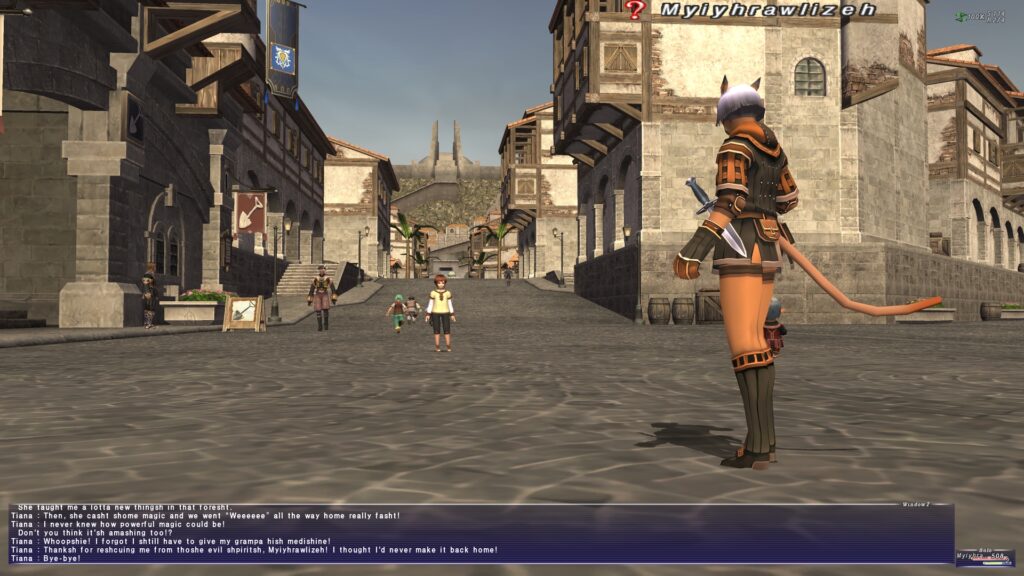
Balloon puts chat balloons on your screen when characters talk, same as Final Fantasy XIV does. Otherwise, you’ll be reading the story through a chat window at the bottom. This is far from ideal.
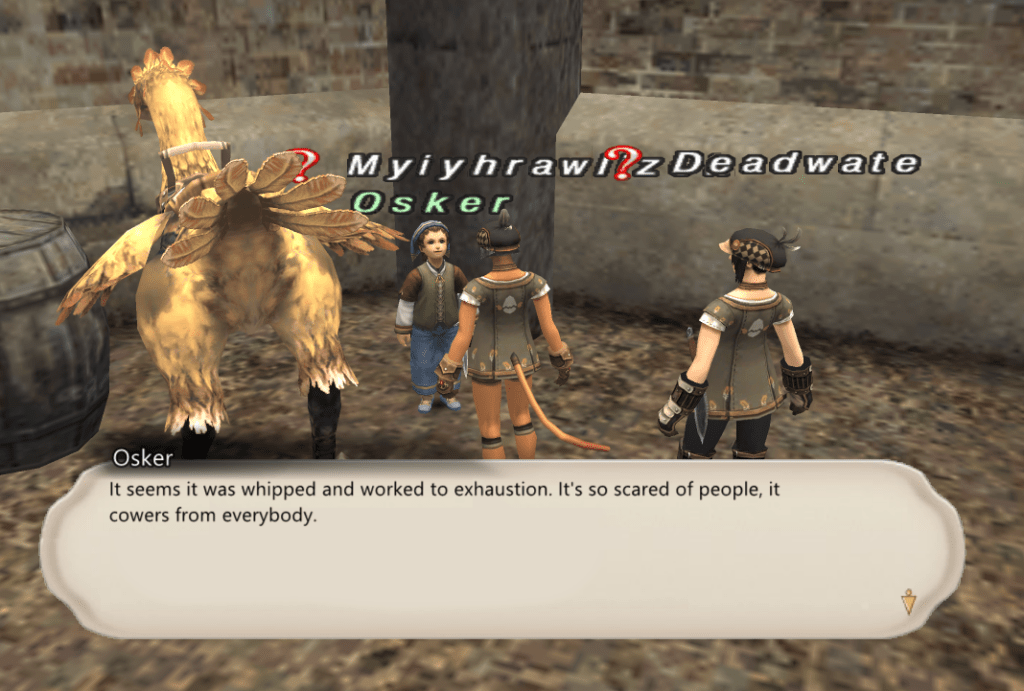
Fuckoff stops the MTG shout messages in main chat.
XivParty gives you a party screen like FFXIV.
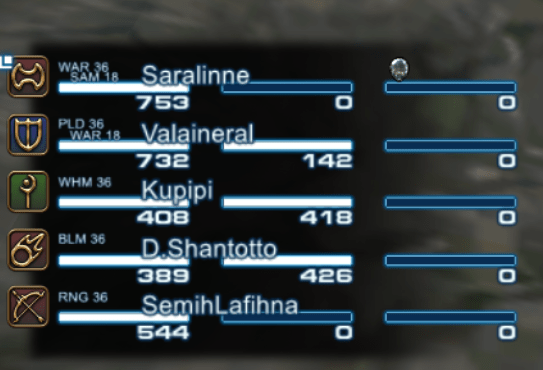
After you’ve put the folders into the Windower\addons folder, you’ll need to edit scripts\init.txt and add the following lines:
lua load balloon
lua load xipivot
lua load xivparty
lua load fuckoff
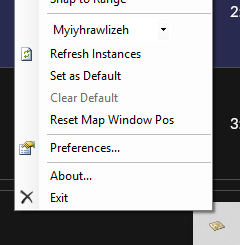
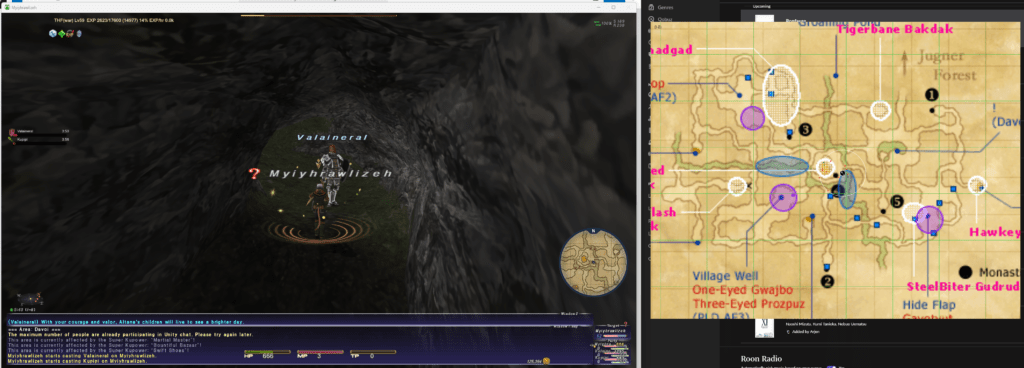
Mappy is an external application that hooks up to your game and loads a map in a window outside of the game. If you use the maps from Remapster (the ones called Map Pack 1 (Mappy)), you’ll have a nice high-res map (most of the time) that you can zoom and drag around, making it much easier to look stuff up on the fly.
The application is very finicky though and is prone to crashing (or making the game crash!) if you do it in the wrong order. First load Mappy, then load the game and log in with your character so it’s fully loaded, then from the drop-down menu select your instance and it should work.